

Free Fire sensitivity settings decide how fast your camera and crosshair move, which directly affects headshots, recoil control, and overall gameplay consistency in 2025. The best values depend on your device (RAM), playstyle, and whether you use claw grip or gyroscope, so treat any setup as a starting point and then fine‑tune it in Training Grounds.

To download Free Fire
What are sensitivity settings?
Free Fire sensitivity settings control how quickly your aim reacts when you swipe or drag on the screen in hip‑fire and scoped modes. Proper tuning reduces over‑aiming, helps you land more headshots, and makes recoil patterns easier to manage, especially on different devices and FPS levels.
Why sensitivity is important
- Better sensitivity = smoother drag shots for headshots, especially with General and Red Dot sliders.
- Wrong sensitivity causes shaky aim, missed one‑taps, and poor tracking in close and mid‑range fights, hurting KD and rank push potential.
Read also : Airtel Free Data Code December 2025: Up To 30GB Of Free Data!
Best overall headshot sensitivity (4GB+ RAM)
For mid‑to‑high‑end phones (4GB+ RAM), slightly high but controlled sensitivity works best for headshots. Use this as a balanced all‑round base (non‑gyro):
- General: 90–100
- Red Dot: 80–90
- 2x Scope: 75–85
- 4x Scope: 65–75
- Sniper Scope: 35–45
- Free Look: 60–75
These ranges give fast flicks for close fights while keeping scopes stable enough for spray and long‑range tracking.
First‑time user (low‑end 2–4GB RAM)
Low‑end devices often have frame drops, so slightly higher sensitivity helps compensate for input delay. Beginners should start with values that are fast but not uncontrollable:
- General: 80–90
- Red Dot: 70–80
- 2x Scope: 65–75
- 4x Scope: 55–65
- Sniper Scope: 35–45
- Free Look: 55–65
This setup makes turns and close‑range fights easier while still letting new players track enemies without wild jumps.
Aggressive claw players (8GB+ RAM)
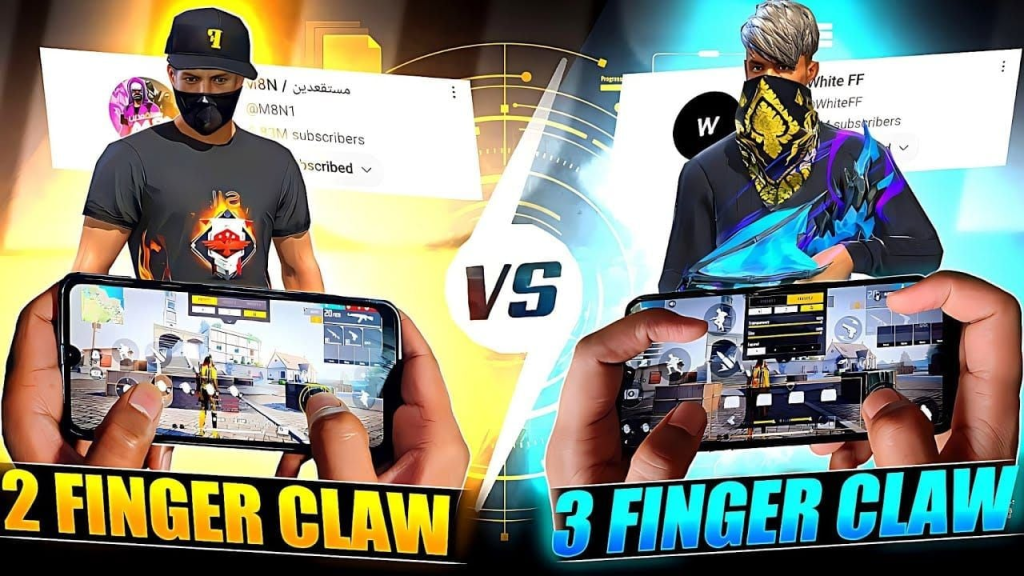
Aggressive entry fraggers and claw‑grip users on smooth 90–120 Hz, 8GB+ RAM phones can push sensitivity higher for faster drag and flick shots. Try:
- General: 95–100
- Red Dot: 90–95
- 2x Scope: 80–90
- 4x Scope: 75–80
- Sniper Scope: 40–50
- Free Look: 70–80
Paired with a claw layout, this supports quick peeks, 360 turns, and one‑tap headshots but requires good finger control and practice.
Read also : Vi Free Data Code (December 2025) Get 130GB Free Data!
Gyroscope‑enabled settings (all devices)
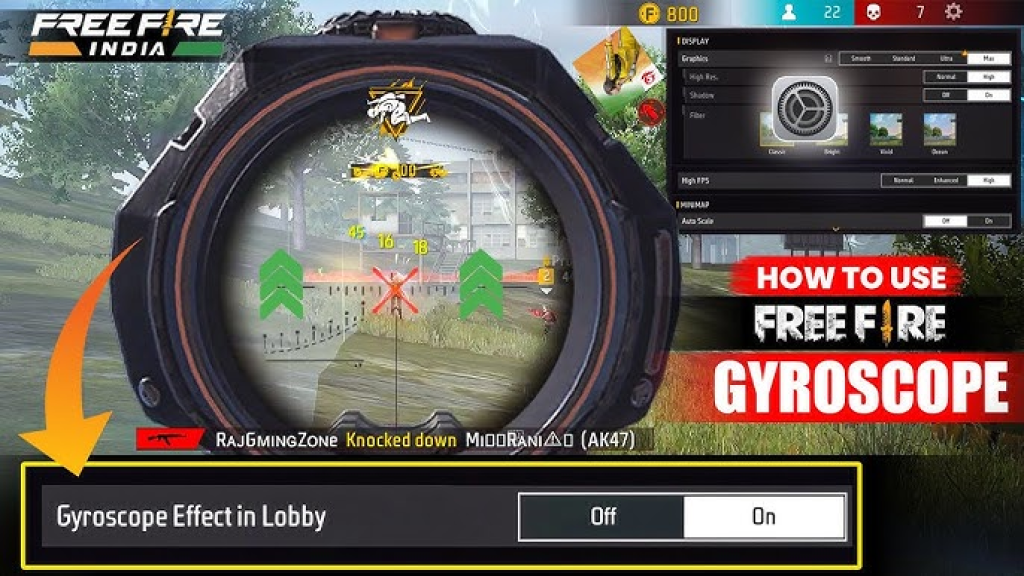
Gyro lets you tilt the device to adjust aim, so you usually keep touch sensitivity moderate and gyro sensitivity low‑to‑mid for precision. A common 2025 baseline is:
- Touch General: 85–95
- Touch scopes (Red Dot, 2x, 4x): 70–85
- Gyro (all scopes): 20–40
Keeping gyro between 20–40 helps fine adjustments and recoil control without making the screen shake with small tilts.
How to change sensitivity in Free Fire
- Open Free Fire and tap the gear icon on the home screen to enter Settings.
- Go to the “Sensitivity” tab, then adjust each slider (General, Red Dot, scopes, Free Look); changes save automatically and can be tested immediately in Training Grounds.
How to test and personalize settings
Start from any recommended preset, then test on Training Island or custom rooms for at least 15–20 minutes. If you over‑flick past enemies, lower the specific slider by 5–10 points; if you move too slowly or can’t drag up to the head, increase by 5–10 points and retest.
Sensitivity by player type
Different playstyles benefit from different ranges.
| Player type | General | Red Dot | 2x Scope | 4x Scope | Sniper | Free Look |
|---|---|---|---|---|---|---|
| Aggressive rusher | 95–100 | 90–95 | 80–90 | 75–80 | 40–50 | 70–80 |
| Balanced all‑rounder | 85–90 | 75–80 | 65–75 | 55–65 | 35–45 | 55–65 |
| Defensive/sniper | 80–85 | 70–75 | 60–70 | 55–65 | 30–40 | 50–60 |
These ranges are compiled from common 2025 pro‑style presets and guides and should be treated as flexible templates.
Sensitivity for sniper specialists
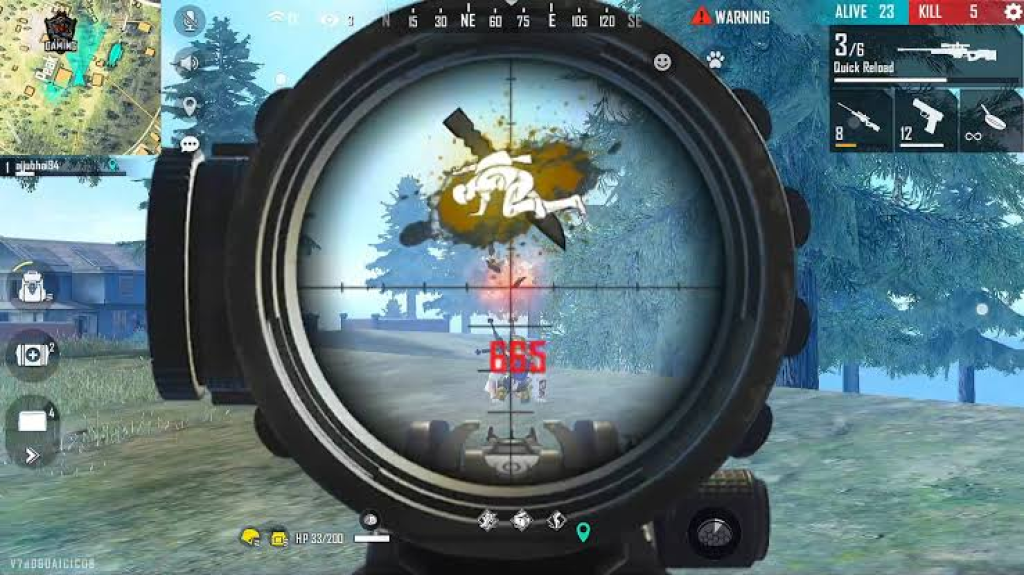
Sniper‑focused players need lower scope sensitivity for micro‑adjustments and steady flicks. A sniper‑oriented setup can be:
- General: 80–90 (for rotation and repositioning)
- Red Dot: 65–75 (for DMR/AR tap fire)
- 4x / Sniper Scope: 30–40
- Free Look: 55–65
Combine this with stable DPI (often around mid‑range like 400–640 or 480–550 depending on device) for smoother long‑range control.
Read also : Best Free Streaming Websites to Watch and Download Movies Legally in 2025
Test and improve your playstyle
- Use a fixed routine: stationary bots → moving bots → close‑range duels in Training Grounds.
- Change only one slider at a time by small steps (5–10 points), then play a few matches to see real‑match performance before tweaking again.
Popular global preferences (2025)
Across many 2025 guides and pro‑inspired setups, a common “safe” global pattern appears.
- General around 90–100 for headshot‑friendly drag aim.
- Red Dot roughly 80–90, with 2x 75–85 and 4x 65–75 for controlled sprays.
- Sniper between 30–45 and Free Look between 60–80 for scanning and rotations.
These clusters are widely recommended because they balance quick reaction with enough stability across most Android gaming phones.
Conclusion
There is no single “magic” Free Fire sensitivity for December 2025, but starting from tested ranges based on your RAM, playstyle, and gyro usage gives a strong foundation. Use Training Grounds, tweak in small steps, and lock a layout that feels natural to your fingers—consistency plus practice will matter more than chasing every new sensitivity code or viral setting.
For mid-range 4GB+ RAM devices, use General: 90-100, Red Dot: 80-90, 2x Scope: 75-85, 4x Scope: 65-75, Sniper Scope: 35-45, and Free Look: 60-75 to enable smooth drag shots and recoil control.
Enable gyroscope in Settings > Sensitivity, then set touch General to 85-95 and gyro across all scopes to 20-40 for precise tilt-based adjustments without over-aiming on any device.
Start with General: 80-90, Red Dot: 70-80, 2x: 65-75, 4x: 55-65, Sniper: 35-45, and Free Look: 55-65 to handle frame drops and build tracking skills gradually.
On 8GB+ RAM phones with claw grip, go for General: 95-100, Red Dot: 90-95, 2x: 80-90, 4x: 75-80, Sniper: 40-50, and Free Look: 70-80 for rapid flicks and 360 turns.
Head to Training Grounds, test one slider at a time (adjust by 5-10 points), practice on bots then duels, and refine based on over-flicking or slow tracking in real matches.
Sniper specialists should use General: 80-90, Red Dot: 65-75, 4x/Sniper Scope: 30-40, and Free Look: 55-65, paired with mid DPI (400-640) for steady long-range precision.
No single code fits all, but global pros favor General 90-100, Red Dot 80-90, scopes tapering to 65-75 for 4x, and Sniper 30-45—always personalize via practice.